Wedding-day photo and video planning
Prepare wedding photo and video coverage with your couple
A photography planning workflow brings the couple's details, coverage timeline, requested shots, and crew information together before the wedding. Aisle & Time supports that preparation; the photographer reviews the timing and service commitments.
Plan photo and video coverage for one wedding day, up to 12 hours.
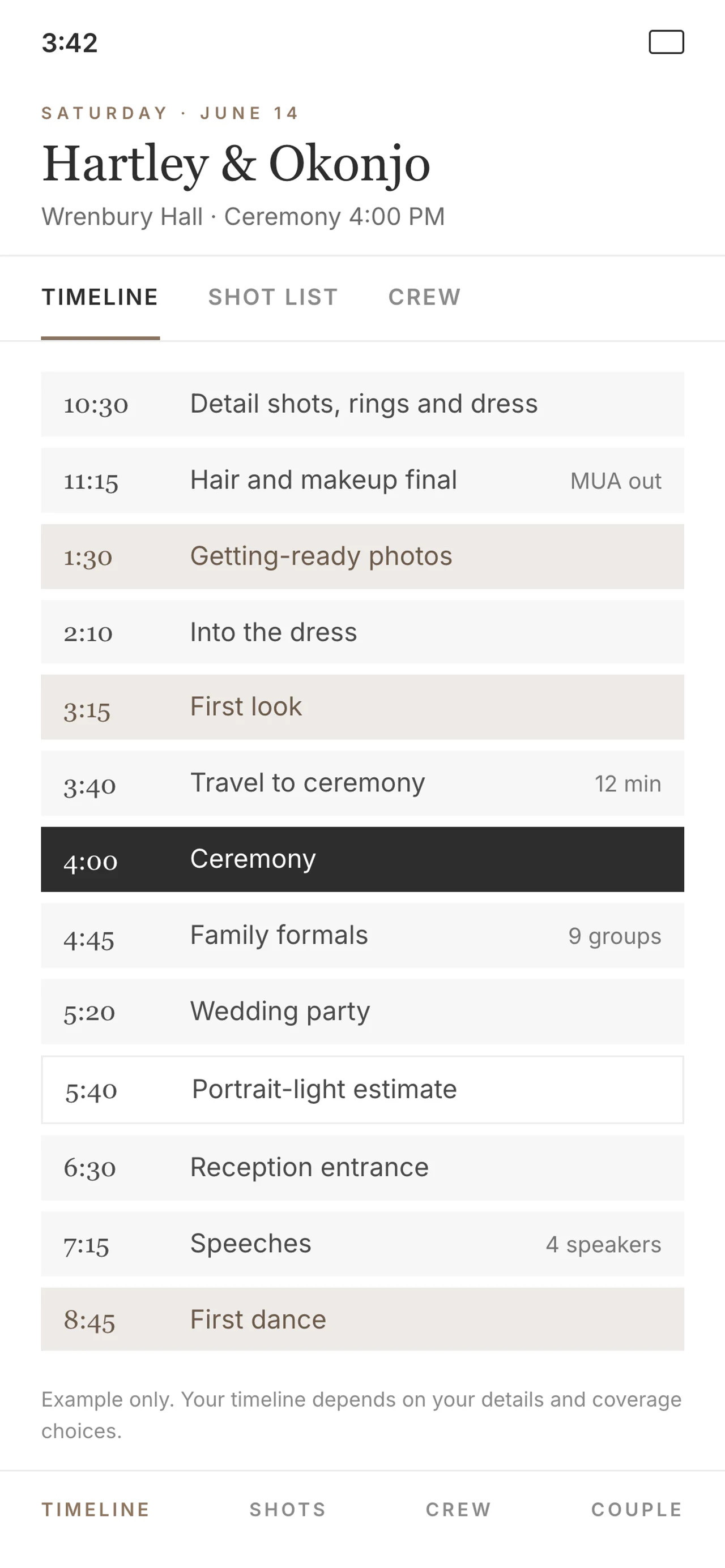
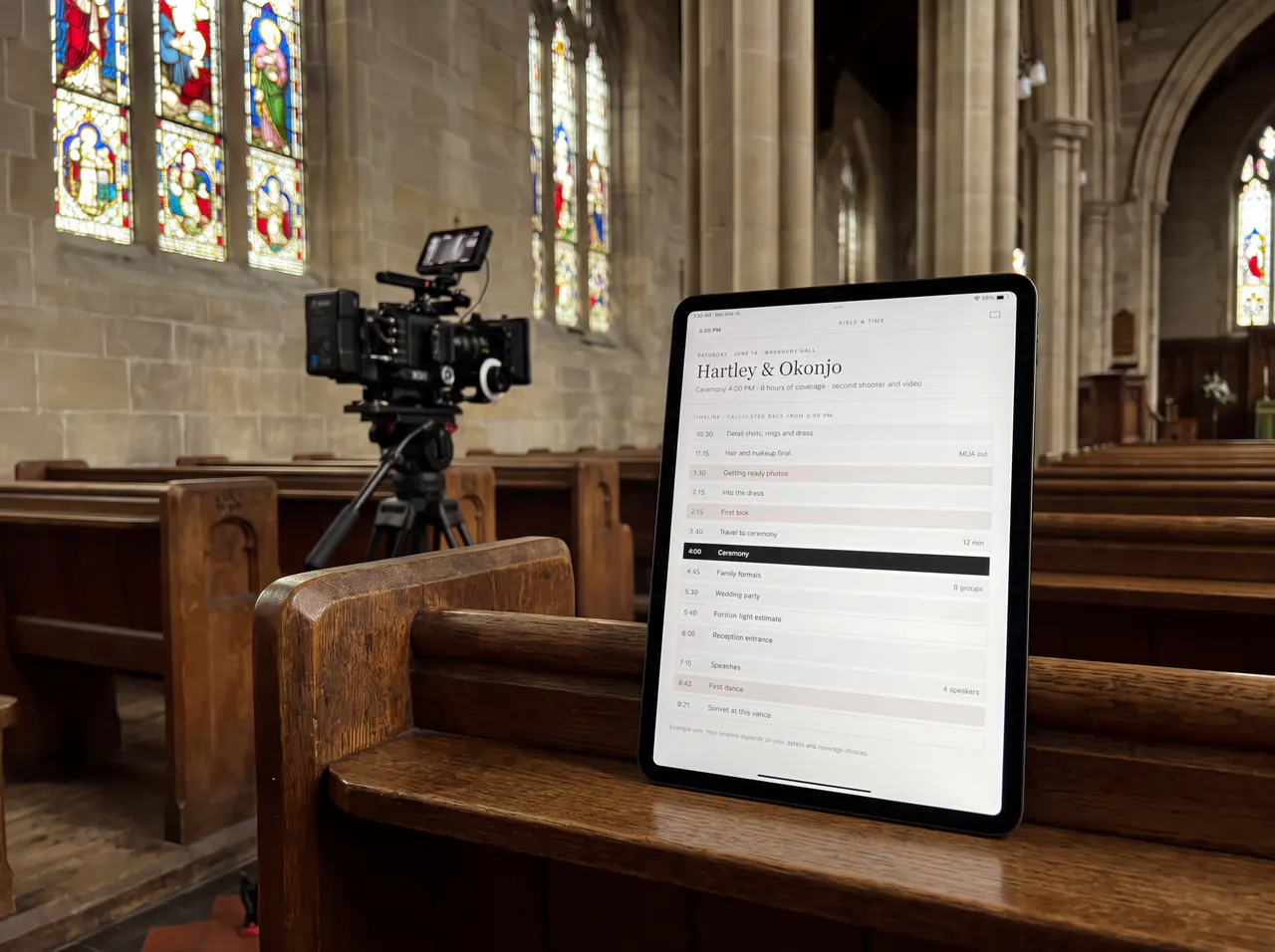
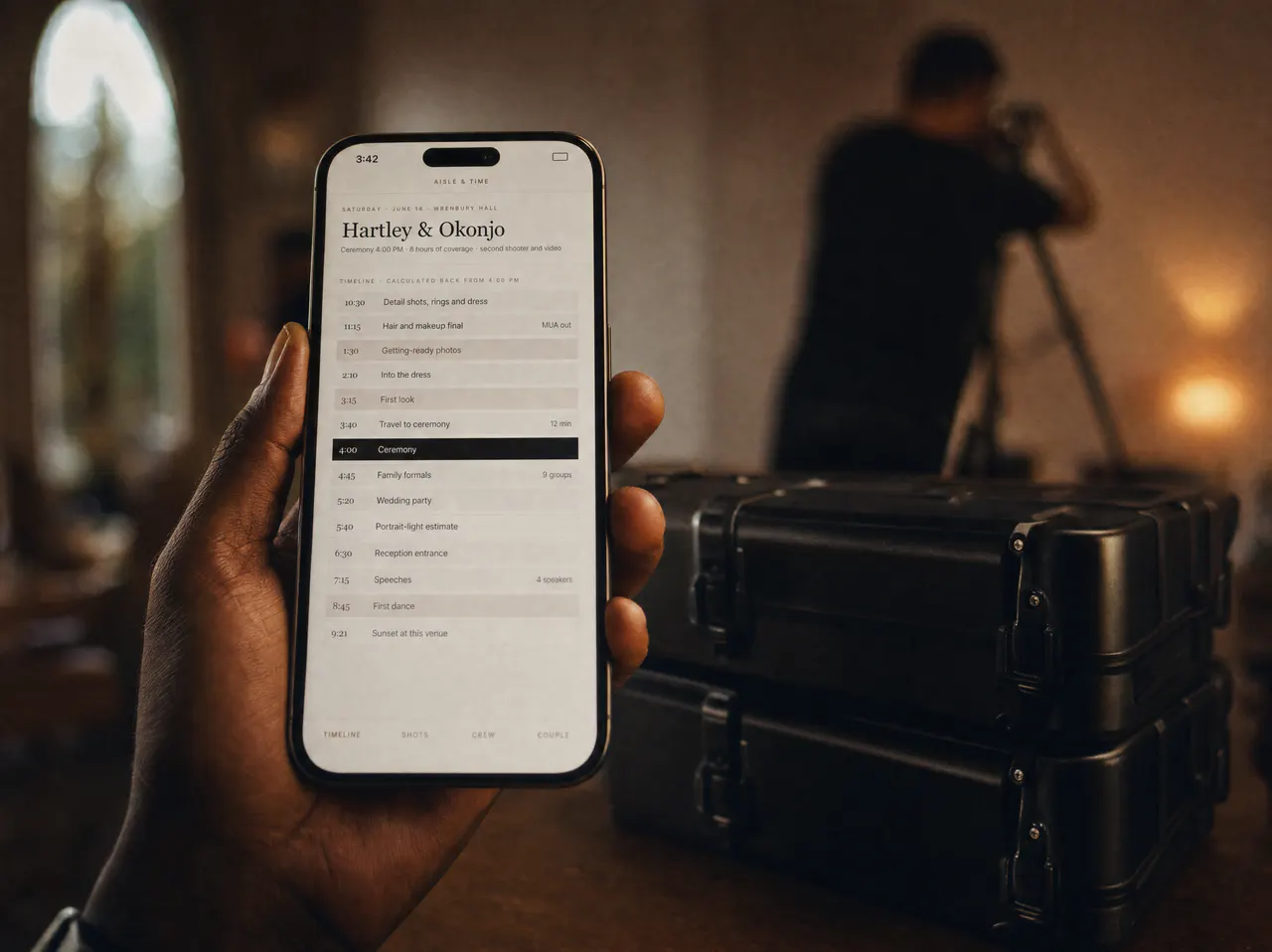
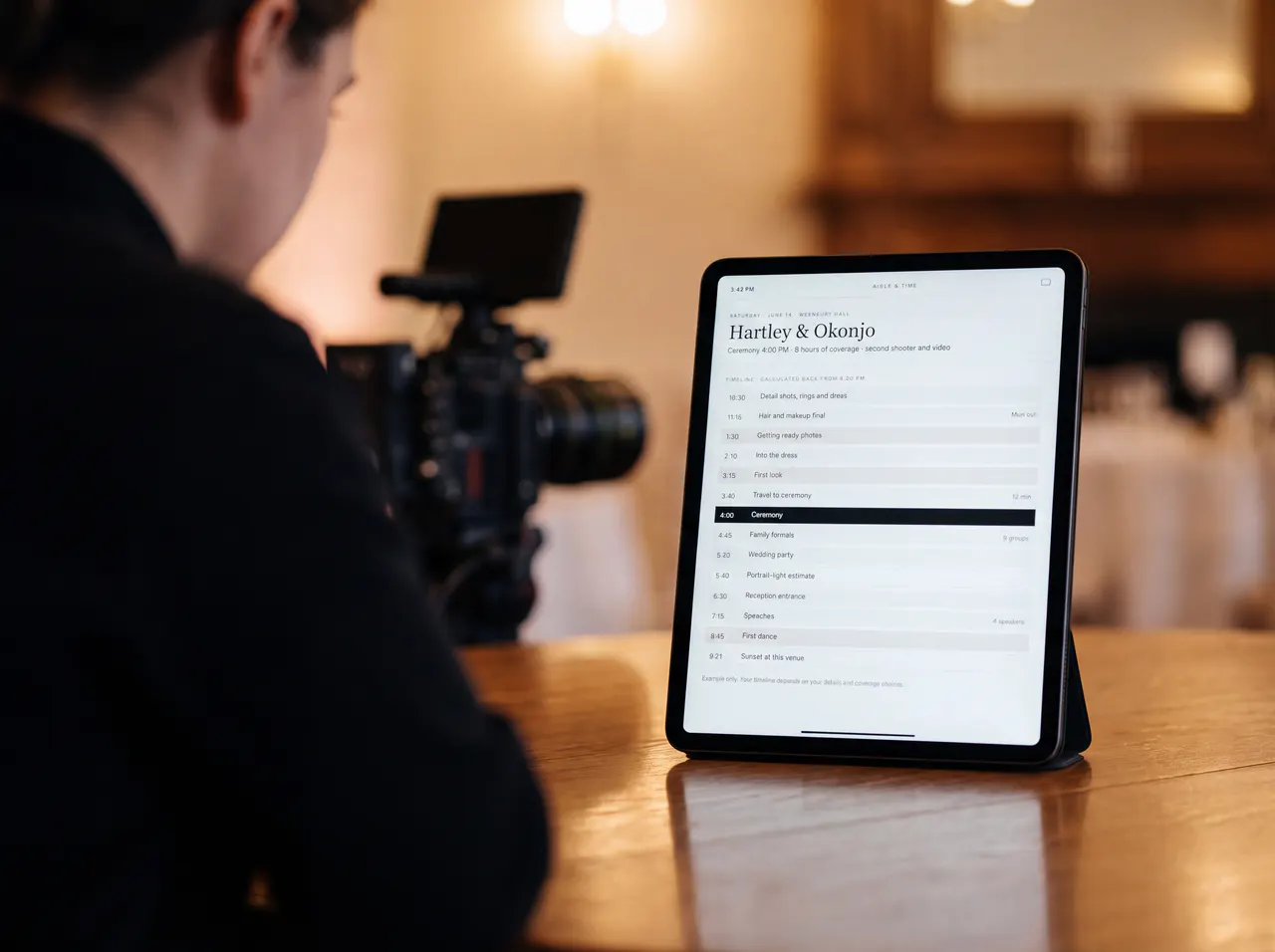
One
Shared timeline
Plan
Family formals
Share
Crew brief
What does your couple need to share?
A family group changes. A getting-ready address needs checking. The second shooter needs a call time. Keep those details together so you can review the plan before the day.
What photo-ready time should we confirm with the beauty provider?
What meeting time and location should we share with each family photo group?
Which family relationships or accessibility needs should the photographer know about?
Who should be included in each requested photo?
How much time should we allow for the family groups we want?
Which shots matter most within the coverage we have booked?
Get the coverage questions out of scattered messages. Review the proposed timing and priorities together, and confirm arrangements with the people responsible for them.
What does your crew need?
Coverage details, photo priorities, and briefs to review before the wedding.
Draft the coverage timeline
Use ceremony details, locations, travel, and coverage choices to build a proposed schedule. Review the timing with the couple and confirm arrangements with the people responsible for them.
Plan family photos together
Ask the couple for names, group combinations, and relevant family notes. Agree on priorities and allow time for the groups they want photographed.
Send family photo details by email
Send the relevant photo schedule to family contacts with an email address on file. Check the recipients, meeting location, and timing before sending.
Agree on the shots that matter
Build a list of requested moments and discuss what fits the available time. A shot list records priorities; it cannot guarantee every photograph.
Collect the couple’s planning details
Give the couple a place to add the information you need for their coverage plan, instead of reconstructing it from separate messages.
Keep inspiration with the plan
Review the couple’s photo inspiration alongside their priorities. Discuss what is practical for the locations, light, and coverage they have booked.
Prepare the video brief
Collect the video details that matter for coverage and prepare a brief for the team. Confirm recording access and audio arrangements with the relevant providers.
Brief the photo and video crew
Put call times, locations, and coverage details into a clear brief. Share an updated version when relevant details change.
What would a planning-time scenario look like?
Illustrative scenario only: this calculator assumes 3 hours saved per wedding. That assumption is not verified customer data or a promised result. Slide to your weddings per year to see the estimate.
Estimated 90 hours per year
About 11 eight-hour days in this scenario, not guaranteed savings.
How does the workflow look?
Open the sample wedding to explore the timeline, shot lists, and crew brief. Use the demo to see whether the workflow fits how you prepare for a wedding. Explore the Demo.
The other tools below have not been assessed. No comparison of their current capabilities or prices is implied.
| Feature | Aisle & Time | HoneyBook | Dubsado | Manual |
|---|---|---|---|---|
| Proposed coverage timeline | Not assessed | Not assessed | Not assessed | |
| Family photo groups | Not assessed | Not assessed | Not assessed | |
| Shot list export | Not assessed | Not assessed | Not assessed | |
| Supported tradition inputs | Not assessed | Not assessed | Not assessed | |
| Mobile-friendly crew brief | Not assessed | Not assessed | Not assessed | |
| Solo price / per wedding | $29.95 | Not assessed | Not assessed | Not assessed |
Which planning option fits your bookings?
Solo is billed per wedding. Studio is a subscription for multiple bookings. Compare the billing basis and features before choosing. Compare Plans.
How will you review the plan?
Is this a wedding-planning service?
No. Aisle & Time helps photographers and couples prepare a photo and video coverage plan. The couple and their providers remain responsible for bookings, service arrangements, and the wider event.
Does the timeline replace my judgment?
No. Treat the generated schedule as a draft. Check travel, family groups, light, access restrictions, and booked coverage before sharing the plan. After timing changes, review and regenerate the schedule where prompted.
Can the plan include ceremony or reception traditions?
Include the relevant moments when planning coverage, then confirm their order and timing with the couple and the people leading them. Reference timings are starting points, not instructions for an officiant or reception team.
Will family members get text messages?
The family-contact workflow sends email. Check the photo schedule and recipient details before sending, and confirm important arrangements directly when needed.
Is Aisle & Time the photographer?
No. It is planning software. Your photography and video services are provided under your own booking arrangements.
Does it handle multi-day weddings?
Aisle & Time helps photographers and couples plan photography and video coverage for one wedding day, up to 12 hours. Ceremony times, locations, and reception events inform the coverage plan; the app does not book or manage other wedding vendors. Events on separate days are not currently supported within the same wedding timeline. Shoot multi-day weddings? Tell us.
Can my clients access the timeline?
Invite the couple to the planning portal to review the timeline, add photo inspiration, and complete questionnaires.
Which plan should I compare for multiple bookings?
Solo is $29.95 per wedding. Studio is $29.95/month or $299.50/year for unlimited weddings, with photo and video crew briefs. Compare the features and billing before choosing.
Can I try it before I subscribe?
Yes. Try the interactive demo free, then subscribe to Studio when you are ready. Cancel anytime.
Can I export the timeline for my crew?
Share a PDF or text copy of the coverage plan and crew details. Exports reflect the version shared at that time; share a new copy after relevant changes.